
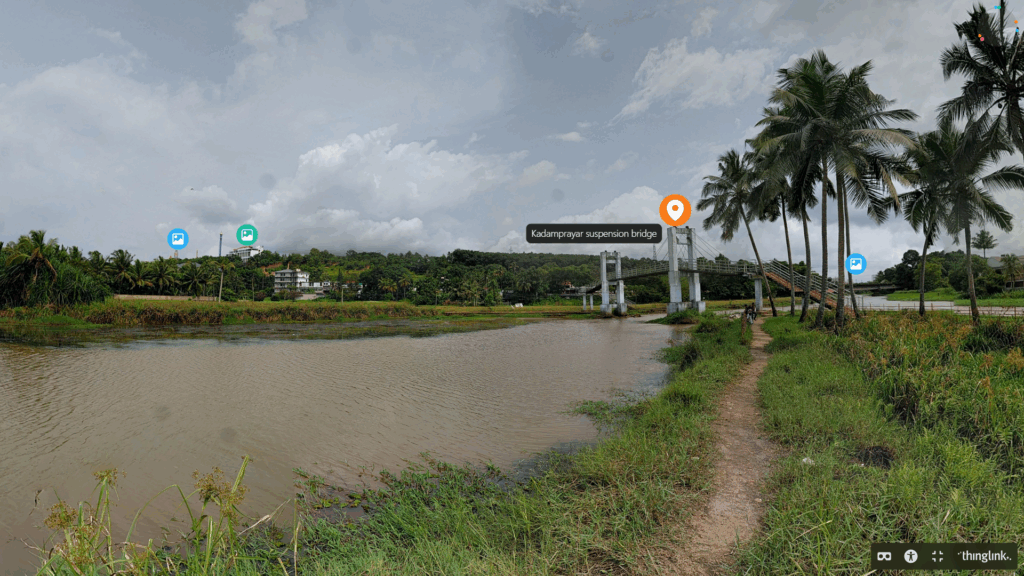
DIY’ing my own VR experience!
As part of the ATL Tinkerpreneur bootcamp, I got to try out a lot of new tools and skills that encouraged me to be creative and do lots of hand on learning. One of the coolest activities I worked on was creating an interactive 360 degree view of a real location using an online tool called ThingLink.
Interactive Space with ThingLink
ThingLink is basically a tool that lets you turn normal images (including 360° photos) into something interactive. This is a cool way to learn more about a space as instead of just looking at a picture, people can click on different spots to see text, images, videos, or links that are added.
This was the tool suggested by the ATL team, and the activity was to create our very own interactive space. We could photograph a space of choice and add details and information about the area.
My Interactive Space
After learning about the tools, on I went to create my first ever VR experience!
Location
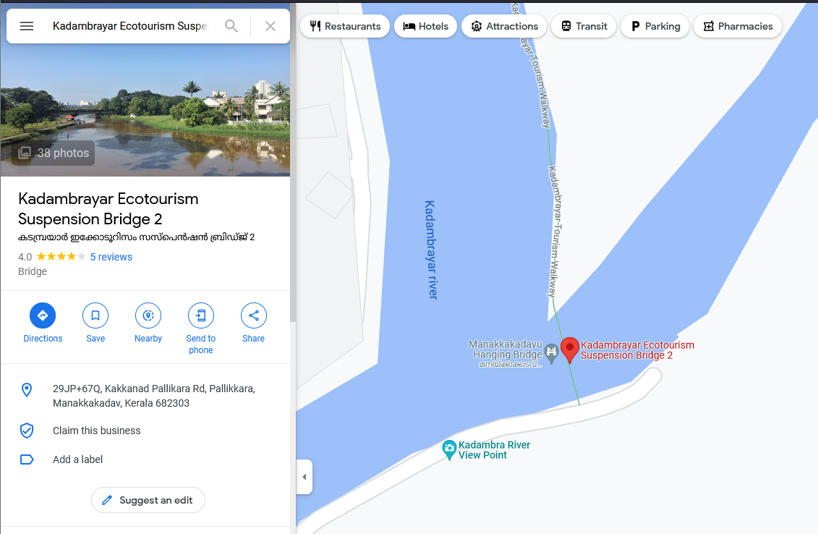
The space I envisioned was someplace scenic, but also equipped with information. I wanted to use an outdoor location. Kadambrayar Bridge felt like the perfect choice because it combines natural surroundings (paddy, fields, water) with man made infrastructure (Euro Tech Maritime Academy, Suspension Bridge, Wonderla).
The flowing water, greenery, and open space made it visually pleasing. The spot was perfect as it had sneak peeks of lots of buildings in the nearby areas, across the fields.
Photosphere Feature
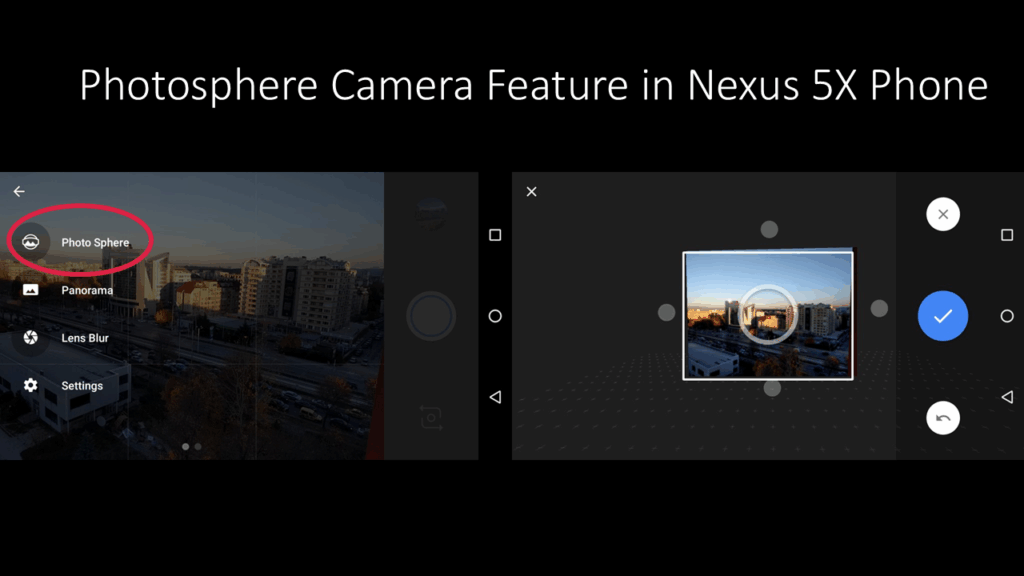
To create a space first we need to capture the area. This is where my Nexus 5X Phone’s Photosphere camera feature came in handy. I honestly hadn’t paid attention to this feature until now. this feature allows you to capture a space in full 360 degrees using just your phone.
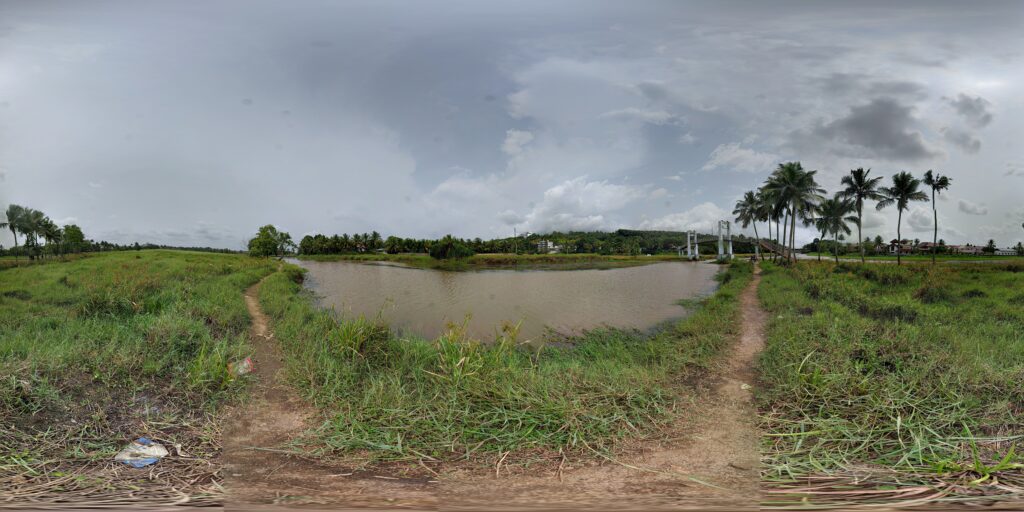
Instead of taking a single photo, it guides you to slowly move the camera and line up points. The end result being a fully stitched 360 degrees immersive image. This made it possible to capture the entire environment around Kadambrayar Bridge in a more engaging way than a regular photo can.
The final step was to upload this image onto Thing Link and add tags for the buildings and areas. I added tags with images of a closer look on the buildings and even a website link.
The places I tagged include:
- Kadambrayar Suspension Bridge
- Wonderla Ferris Wheel
- Sanjeevanam Ayurveda Hospital
- Euro Tech Maritime Academy
- Manakkakadavu bridge
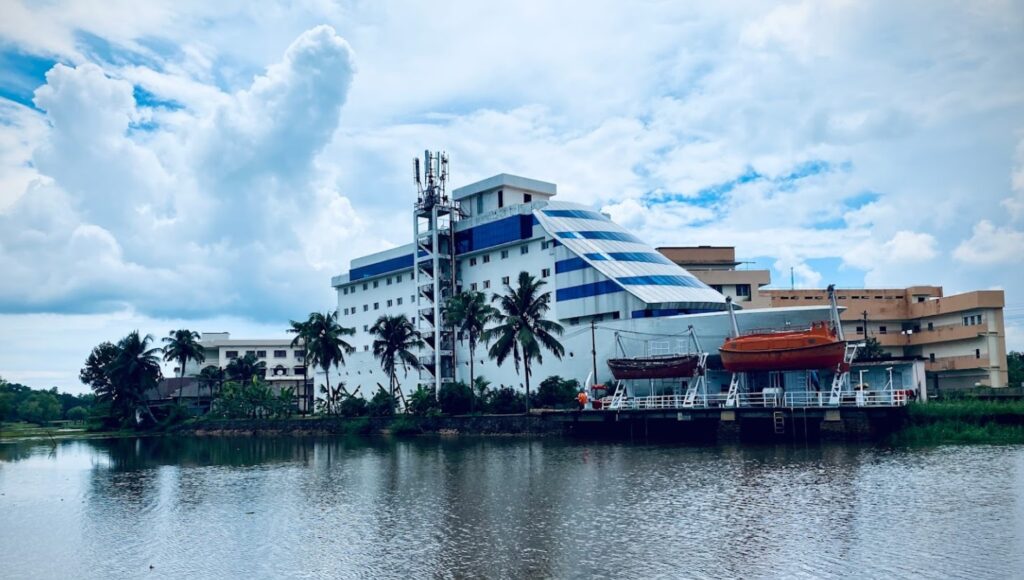
Final Output
Learnings
Overall, this activity was a great way for me to combine creativity, and technology. From choosing the location to capturing a Photosphere and turning it into an interactive experience with ThingLink, each step helped me to learn how a space can be captured for learning in an engaging way.
This for sure was an amazing experience and I can’t wait for what’s in store for me on my ATL Tinkerpreneur experience. 🙂