
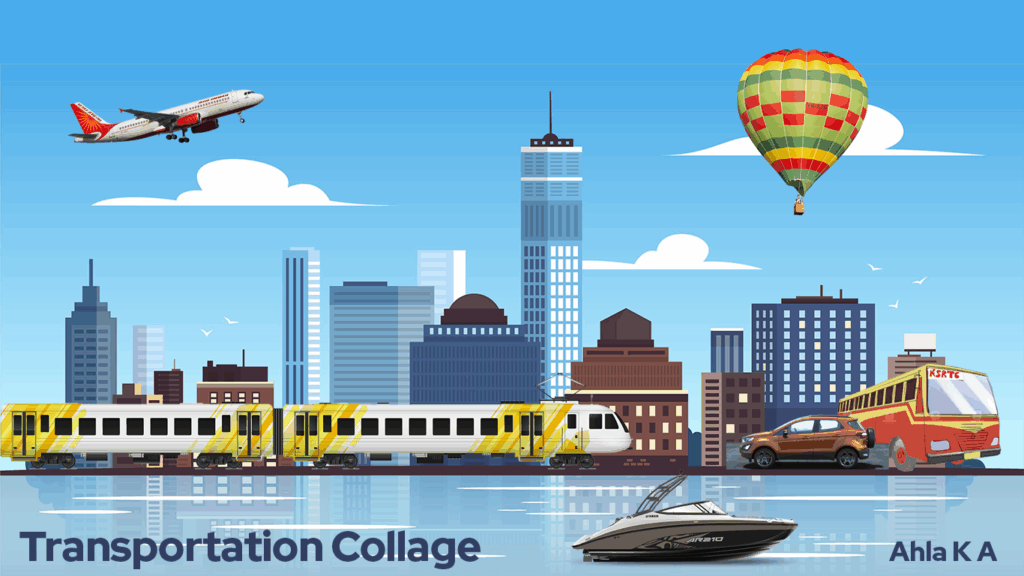
Trying to find out if I can make a collage on Adobe Photoshop (first timer).
This was also part of my ATL Tinkerpreneur journey, where I had to learn how to create a collage. The rules were simple, create a collage with images of choice and on any software (Canva, PowerPoint, Photoshop etc.)
Initial Idea
My first thought was to use Canva, as it was something I was very comfortable with. It was a tool that was taught in my Digital Design class in school. I did try it but it ended up being way too easy and not rewarding enough.
My Collage
So, I turned my focus onto Photoshop. I created a cityscape collage with various transport vehicles (cars, trains, boats, etc.) I chose this as it was a bit easier to construct. I also was not fully sure if this would have worked out considering I was fairly new to Photoshop.
Tools in Adobe Photoshop
I tried using a variety of tools that Photoshop had to offer. Some of them include:
- Move Tool: The most basic tool that is used for aligning elements, organising layouts, and ensuring everything is in the right place.
- Lasso Tool: It includes Standard, Polygonal, and Magnetic tools which are used for freehand selections. These tools give you more control when isolating complicated shapes or objects.
- Transform Tool: Helps resize, rotate, and adjust elements so they fit properly and look proportional.
- Text Tool: It allows you to add and edit text within your designs, especially for creating logos, posters, or web graphics.
I also learnt about The Layers Panel which visually represents all layers in a document, allowing you to select, hide, reorder, and modify layers without affecting other elements. This was very handy while creating the collage.
Freepik
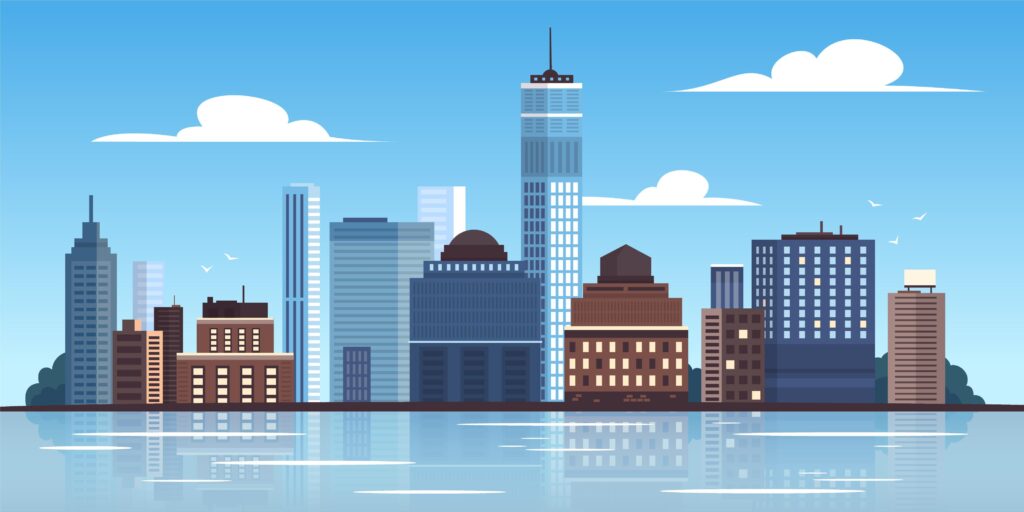
After learning about some basic tools I then steered my attention to gathering all the resources I need. To start I needed images of various transports, this is where I used Freepik. It is a popular digital platform and creative suite that offers a vast library of royalty free resources like vectors, photos, icons, and videos. For some of the images the Lasso Tool came in handy, as I had to isolate some of the vehicles from their backgrounds in the image.
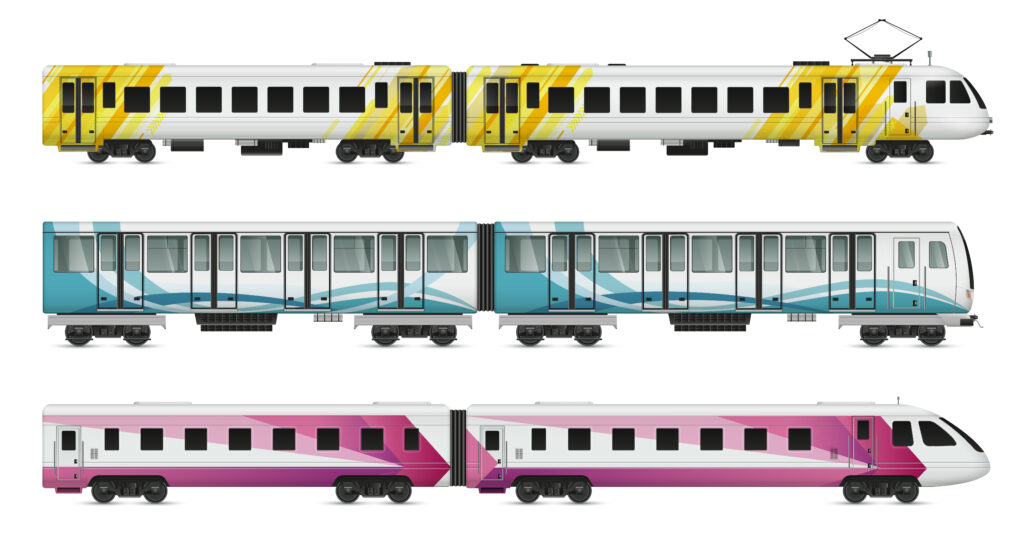
The vectors I got from Freepik are: A cityscape view (background/setting), train and hot air balloon. I got the Ford EcoSport Car and the Yamaha Boat from the respective Ford and Yamaha websites. The flight was an AirIndia airplane and I also added an illustration of a KSRTC Bus.
Final Output
The final design I created was a cityscape that brings together different modes of transportation in one scene. The collage is set against a clear blue sky and a modern skyline with tall buildings. An airplane is flying overhead, a hot air balloon floating on the water, a train running through the city, and vehicles like a car, bus, and boat are all placed in the same frame. The collage shows transportation across air, land, and water.
Learnings
Overall, I am happy with the way the collage turned out. This was such a fun project to tinker around with in Photoshop. I loved the way I learnt lots of new things. I stepped outside of my comfort zone that made it this porject very satisfying to complete.
Keep a look out for more ATL Tinkerpenuer stuff as there are so many more things that are upcoming. Stay Tuned! 🙂