
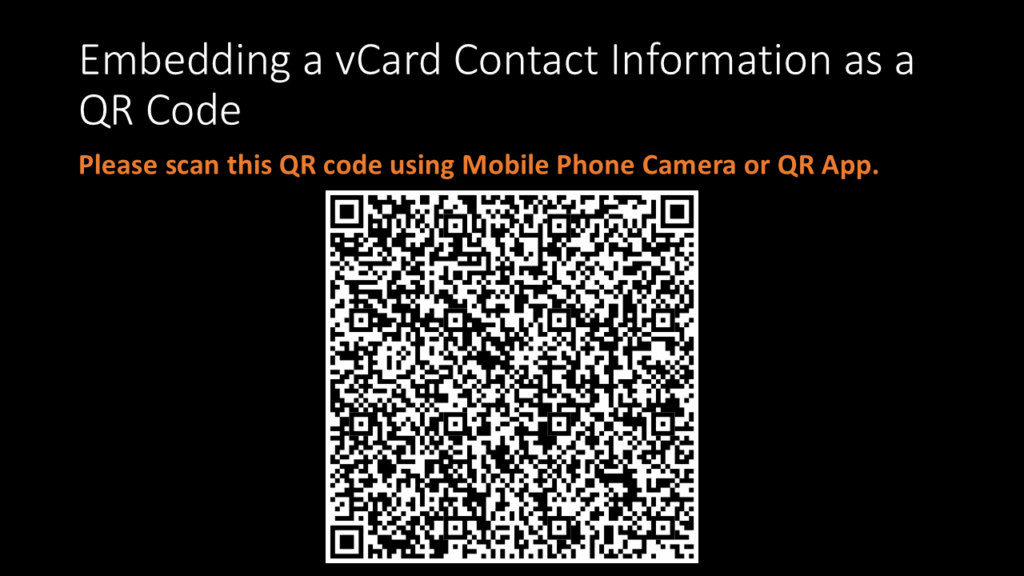
ATL Tinkerpreneur series continues…generate a QR code for your contact details.
In this activity, I learned how to create a QR code that saves someone’s contact details instantly using online tools: vCard Maker, The QR Generator.
I knew about QR code generators for websites, videos, images, forms etc. But it was my first realising that we could even save someone’s contact details easily by just scanning a QR Code. This process is done by vCards.
The Process
The steps to create your own QR Code is pretty straight forward. So let’s go ahead and create our very own QR Code:
- Gather details: Have your basic contact details ready. This could include prefix, first-middle-last names, suffix. You could go further and gather details like your Work: Organisation, title, role, work URL. (the more details the better)
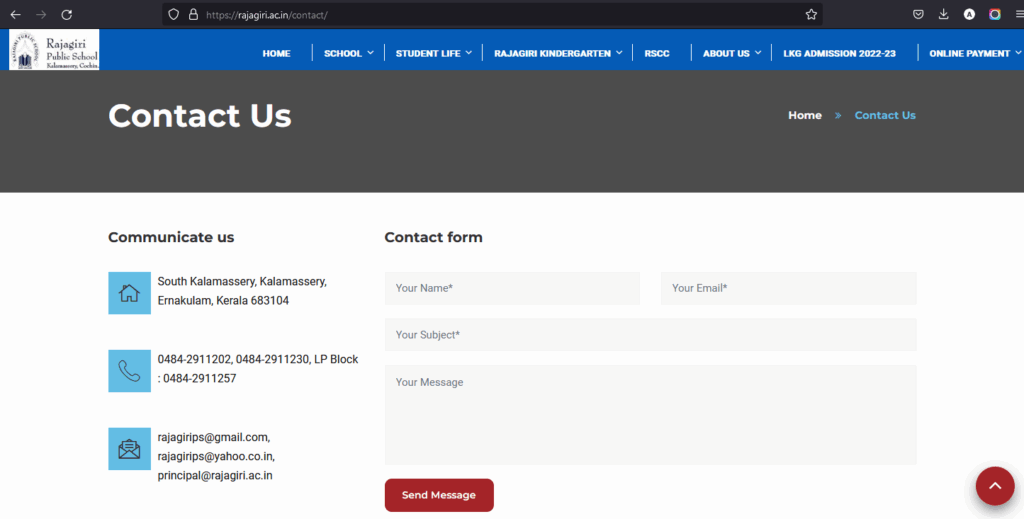
For this step I used my School’s Principle’s contact information. I gathered these details from the school’s website.
- Open vCard Maker: Enter all the details you collected onto the empty spaces, below the heading: Start creating your vCard now! You can include as much detail as possible.
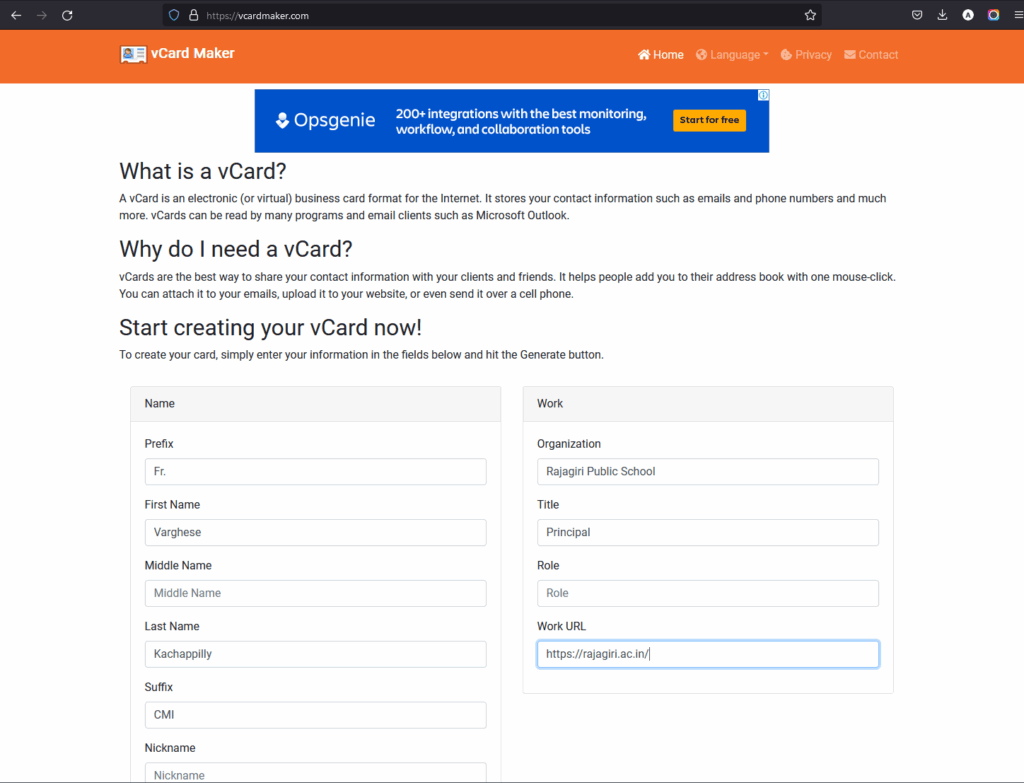
What a vCard is: It is an electronic (or virtual) business card format for the Internet. It stores your contact information such as emails and phone numbers and much more. vCards can be read by many programs and email clients such as Microsoft Outlook.
- Click Generate: You can click generate or do what I did, which was to copy the file output under ‘Preview’. Look out for words ‘BEGIN: VCARD’ at the start and ‘END:VCARD’ at the end.
- QR Code Generator: Now convert vCard as Text Input to create QR code. First click on Plain Text. Then in the area assigned to enter text to share copy paste the vCard output.
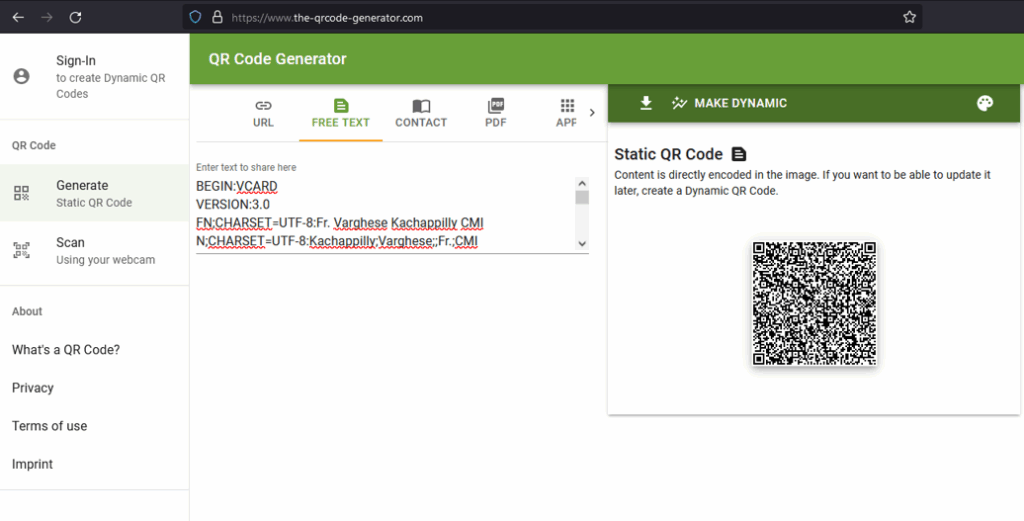
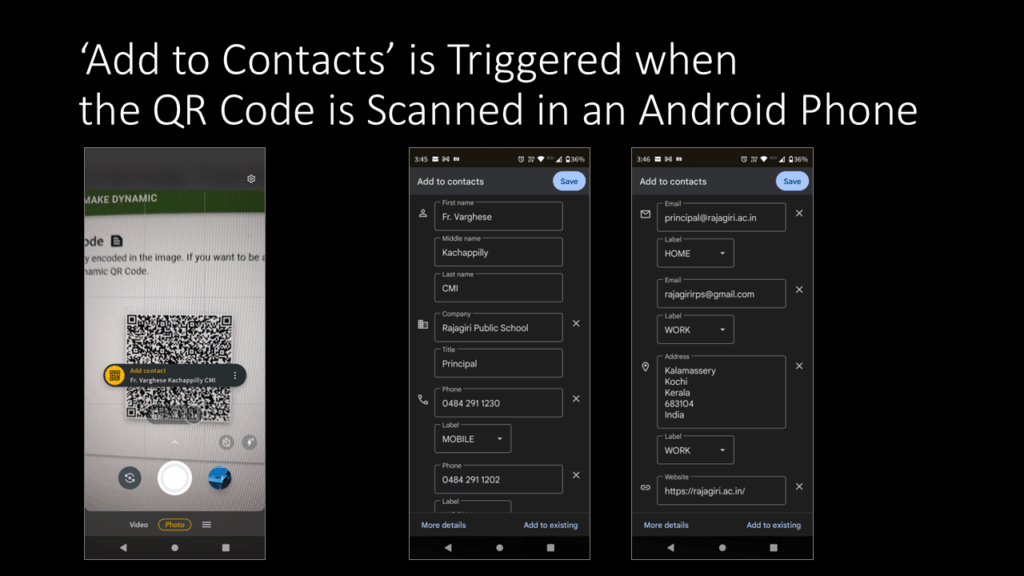
A QR code would be generated and we can save it. And that’s it! At the end you will have a functioning QR Code that saves contact details. Make sure to test it out before sharing it to anyone.
Learnings
I learnt about a lot about vCards through this activity. vCards are the best way to share your contact information with your friends and family. It helps people add you to their address book with one mouse click. You can attach it to your emails, upload it to your website, or even send it over a cell phone.
Using the vCard information to be fed into a QR Code generator made saving someone’s personal information much easier. You can just scan the Code without going through the hassle of manually typing very single detail to save on your contacts.
This was interesting to discover and I would definitely try it for personal use. That’s it for today’s blog and as always stay tuned. 🙂