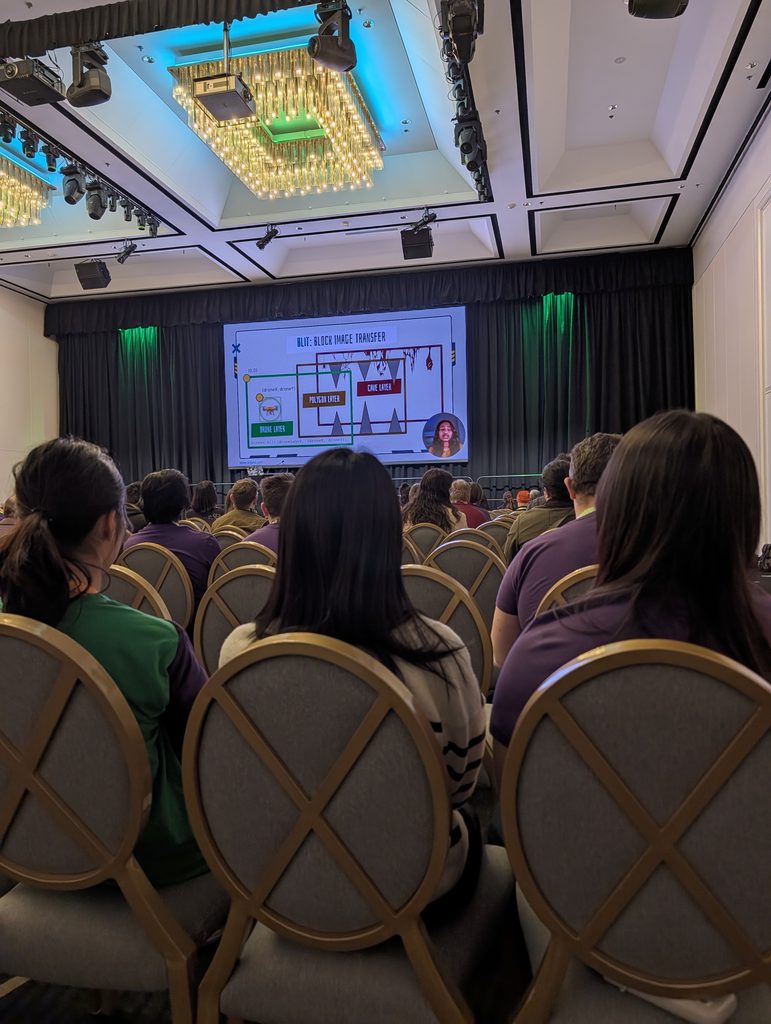
Hi Ahla, Your talk, “‘Stalactites, Stalagmites and a Drone’ – A Python Arcade Game” has been selected to be part of the PyCon AU 2026 Education Showcase, to be held on Friday, August 28th at Sofitel Brisbane Central.
– Nicky Ringland, PyCon AU 2026 Organiser
On the designated day, I presented the talk remotely from Perth about my experience in developing the Python game ‘Caver Drone.’
The Beginning
While scrolling through LinkedIn, I stumbled upon a post calling for proposals from Australian high school students who are using Python in a project, class assignment, or are hacking on something cool.
I thought to myself, Hey, that sounds like me! High school student? Yes! Passionate about coding? Yes! Completed a Python project for a school assignment? Triple yes!
It sounded like a cool opportunity to try for, so I took the first step: submitting an Expression of Interest form. With great expectations, I submitted my EOI highlighting my four years of coding experience and my favourite emoji – 🔥
I wrote a blurb about the project I discussed in my talk: Caver Drone
“In this talk, I’ll share the story of building Caver Drone, a Python game where a yellow drone flies around in a cave filled with stalagmites and stalactites (mineral formations in caves). What started as a school computer science project quickly became a much bigger challenge than I imagined.
I’ll talk about the obstacles I faced, from learning Python, creating a graphical game, and game logic, like what should happen when the drone crashes.”
After waiting for weeks, I received a congratulatory email. Then I had to submit an eight-minute speech explaining how I made Caver Drone.
Video Making
To make the video for my talk, I split my work into four parts.
1. Making a Basic Outline
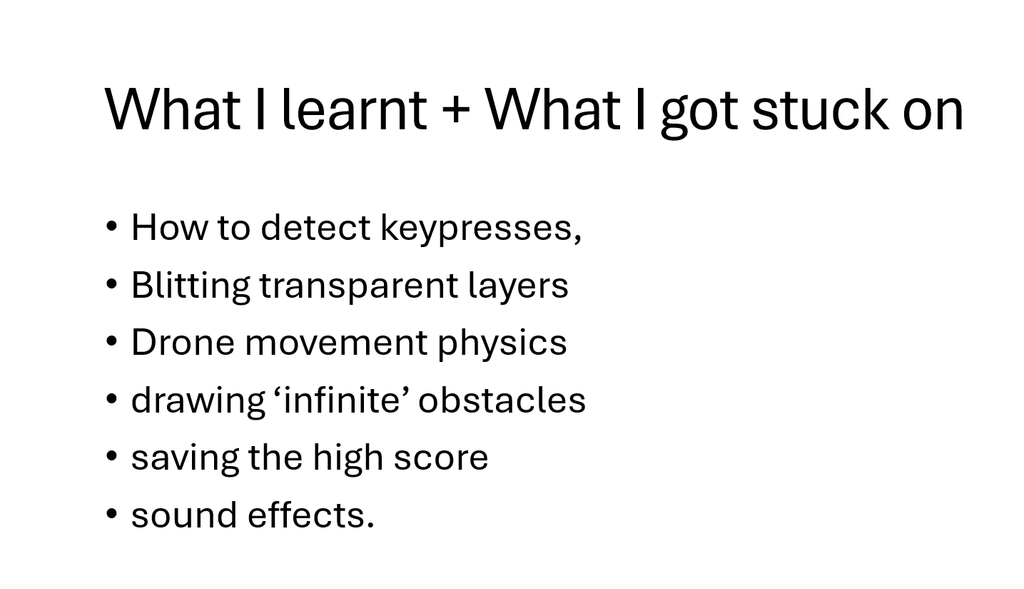
I first opened a blank Microsoft PowerPoint presentation and added slides with dot points on what I wanted to discuss. It had a basic title, font and style.
2. Script Writing
Once I had jotted down all the main points, I then needed to expand them. For me, script writing takes the most amount of time as I like to keep my presentation simple and have visual elements compared to lots of text. Due to this, I have lots of things I write in my script.
I gave a quick introduction to my game with a visual aid, and talked about my inspiration of Flappy Bird. I also included my learnings on how to code: key presses, physics of the gameplay (how the drone flies, how the obstacles are placed, etc.), Blitting (Block Image Transfer), generation of random obstacle heights, saving best score, and adding sound effects for the background noise and when the drone collides, ending the game.
3. Adding Pictures and Colour
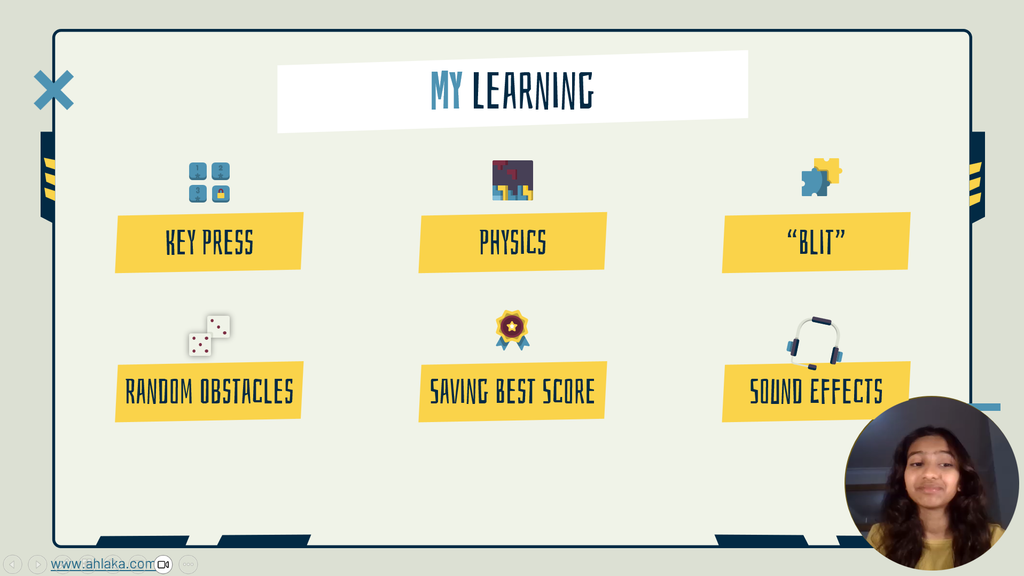
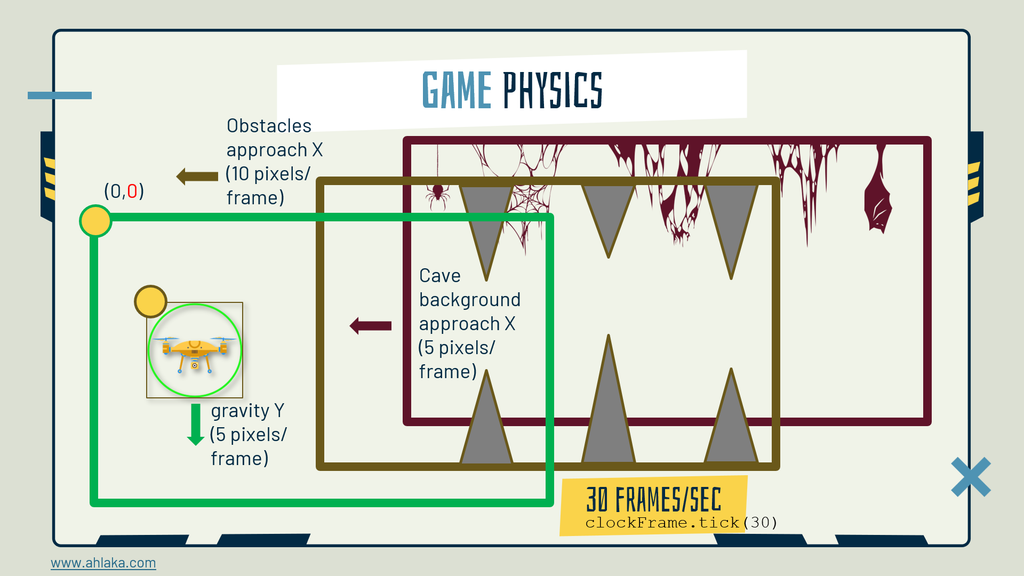
For everything mentioned above, I added the relevant images showing my game logic in a visual manner. I used a PPT template from Magnific and edited it on Microsoft PowerPoint. I also included a screen recording of me playing the game to display how the end game looked like.
4. Recording & Editing
I opted for an easy way to add my voiceover and video by using the ‘Record’ tool on PowerPoint. Editing was just me going back and making sure the timings were perfect and doing minor tweaks.
In the video I talked about the obstacles I faced, from learning Python and creating a graphical game to developing game logic, such as deciding what should happen when the drone crashes.
This is my story of how an idea, a seven-day deadline, and a Python game sparked a passion for coding.
Special shout-out to Nicky Ringland for this amazing opportunity and Amanda Hogan for providing me with online tickets so I don’t miss this experience.
D-Day
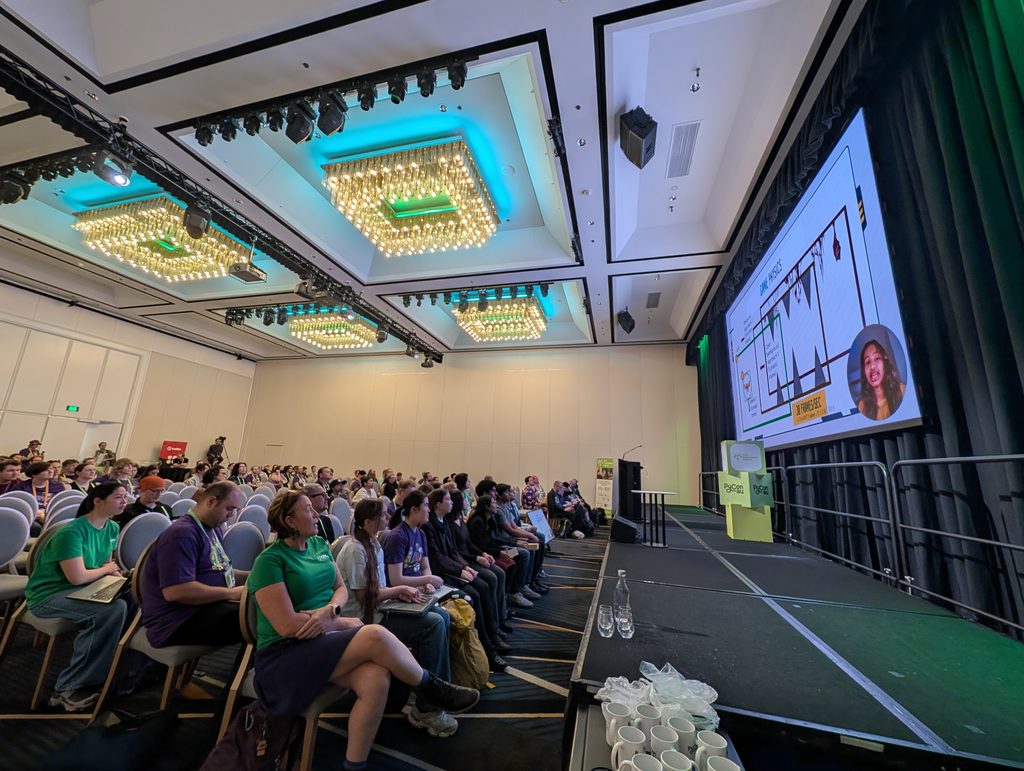
I couldn’t travel to Brisbane, but I still got to watch my talk online right after coming from school. I really liked how Nicky kept the room hyped while introducing me. During the presentation, when the ‘Caver Drone’ gameplay was shown, the audience applauded when the drone was evading the obstacles.
I got to tell the crowd what I recently learnt relating to tech, which was about the latest Framework Laptop 13 Pro. It is a laptop that can be customised and upgraded at any time in the future based on my growing demands. It really celebrates the right to repair, modularity, and continued support for many years!
I also got to watch my fellow speakers, who shared their cool projects. It was very cool to watch.
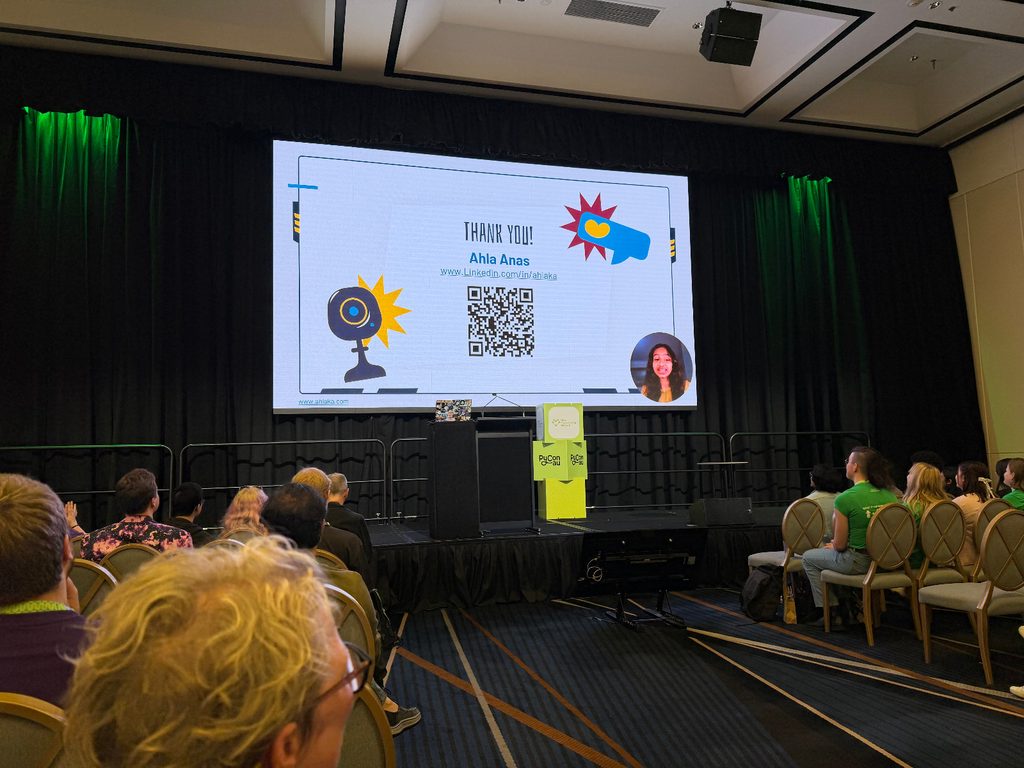
I have written about Caver Drone in detail in this website at: Game: Caver Drone.
This is the recording of all student showcase presentations at PyCon AU 2026.
“Student Showcase” – Amanda Hogan, Nicky Ringland, Alison Wong (PyCon AU 2026)
I am truly thankful for this opportunity and I look forward to what PyCon AU has in store for me in the coming years. 🙂